

👉 “Watch these tutorials carefully and build your first AI-powered game today — no coding needed!”
🎥 Complete Video Tutorials (Step-by-Step)
1. Create Game Without Coding
2. GDevelop Game Tutorial
3. Unity Beginner Guide
4. Publish Game on Play Store
🎮 Best Free AI Game Design Guide (Publish on Play Store)
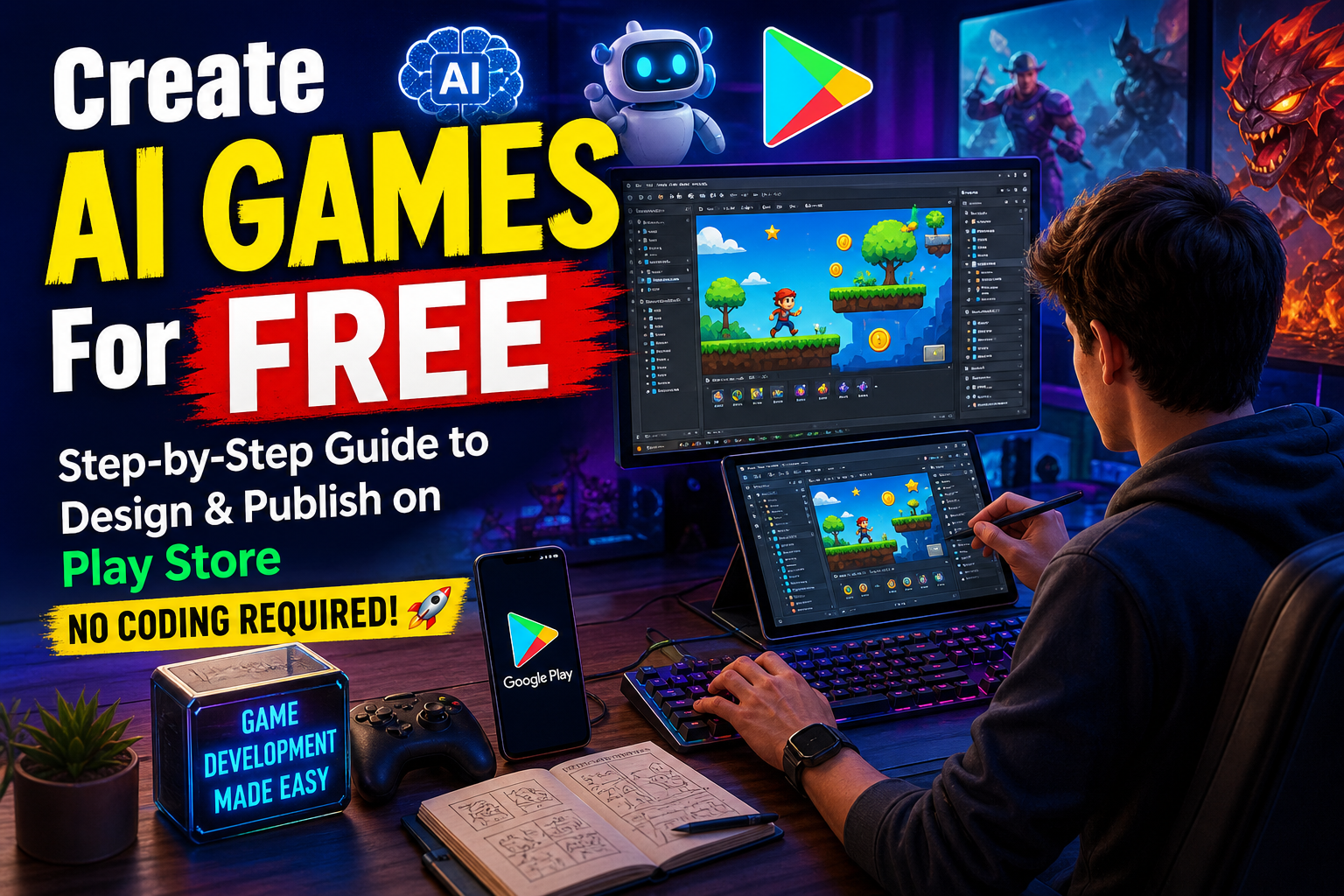
Creating a mobile game is now easier than ever thanks to Artificial Intelligence (AI). Even beginners can design, build, and publish games on the Play Store without coding skills. In this guide, you will learn how to create a game using free AI tools and publish it successfully.
🚀 Why Use AI for Game Development?
- ✔ No coding required
- ✔ Faster development
- ✔ Free tools available
- ✔ Professional quality output
- ✔ Easy publishing
🧠 Best Free AI Tools for Game Design
1. ChatGPT
Use AI to generate game ideas, storylines, scripts, and logic.
2. Unity Game Engine
Free game engine to build 2D/3D games with easy tutorials.
3. GDevelop
No-code game builder perfect for beginners.
4. Canva AI
Create game UI, icons, and assets easily.
5. Leonardo AI
Generate characters, backgrounds, and game art.
🎯 Step-by-Step Game Creation Process
Step 1: Choose Game Idea
Pick a simple concept like endless runner, puzzle game, or racing game.
Step 2: Design Assets
Use AI tools to create characters, backgrounds, and icons.
Step 3: Build Game
Use GDevelop or Unity to create your game without coding.
Step 4: Add Sound & Effects
Download free sounds or generate using AI tools.
Step 5: Test Game
Run your game on mobile and fix bugs.
📲 How to Publish Game on Play Store
- Create a Google Play Developer Account ($25 one-time fee)
- Prepare APK or AAB file
- Create app listing (title, description, images)
- Upload game
- Submit for review
💰 How to Earn Money
- AdMob Ads
- In-app purchases
- Premium version
🔥 Pro Tips for Success
- ✔ Keep game simple
- ✔ Optimize graphics
- ✔ Add daily rewards
- ✔ Focus on user experience
- ✔ Use SEO keywords in title
📌 Conclusion
AI has made game development simple and accessible. You can now create and publish your own mobile game without spending money. Start today and build your dream game!
Leave a Reply